















Helpdesk Queue System

Helpdesk Queue Management System

Improve visitor walk-in support with Qwaiting help desk queue management system. Let visitors join a virtual queue, monitor their wait, and connect with the right specialist while keeping your helpdesk platform updated automatically.

Helpdesk Queue Management

Trusted by 65,000+ organizations in 120+ countries — including campus IT desks at NUS and Singapore Polytechnic and service centers for government agencies

Apollo Hospitals Logo
Farrer Park Hospital Logo
Daleel Alzowar Logo
Healthway Medical Logo
MinMed Group Logo
Ministry Of Health
Raffles Medical Group Logo
RAM Clinics Logo
Singapore Polytechnic Logo
Singapore Medical Group Logo
Tan Tock Seng Hospital Logo
What Is a Helpdesk Queue Management System?

What Is a Helpdesk Queue Management System?

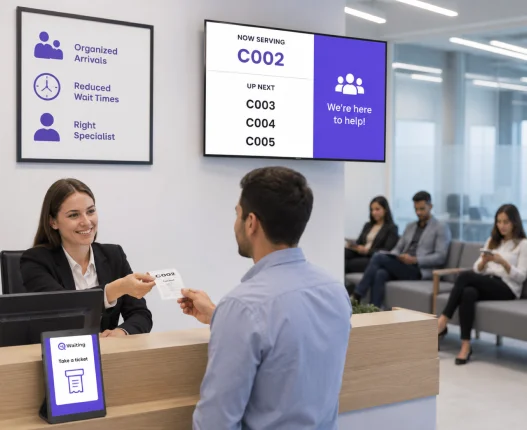
Many support teams have great ticketing systems but still struggle with walk-in traffic. A help desk queue management system solves that problem by organizing arrivals, managing wait times, and directing every visitor to the right specialist—all without disrupting your existing support workflow.

Where Every Support Request Moves Faster

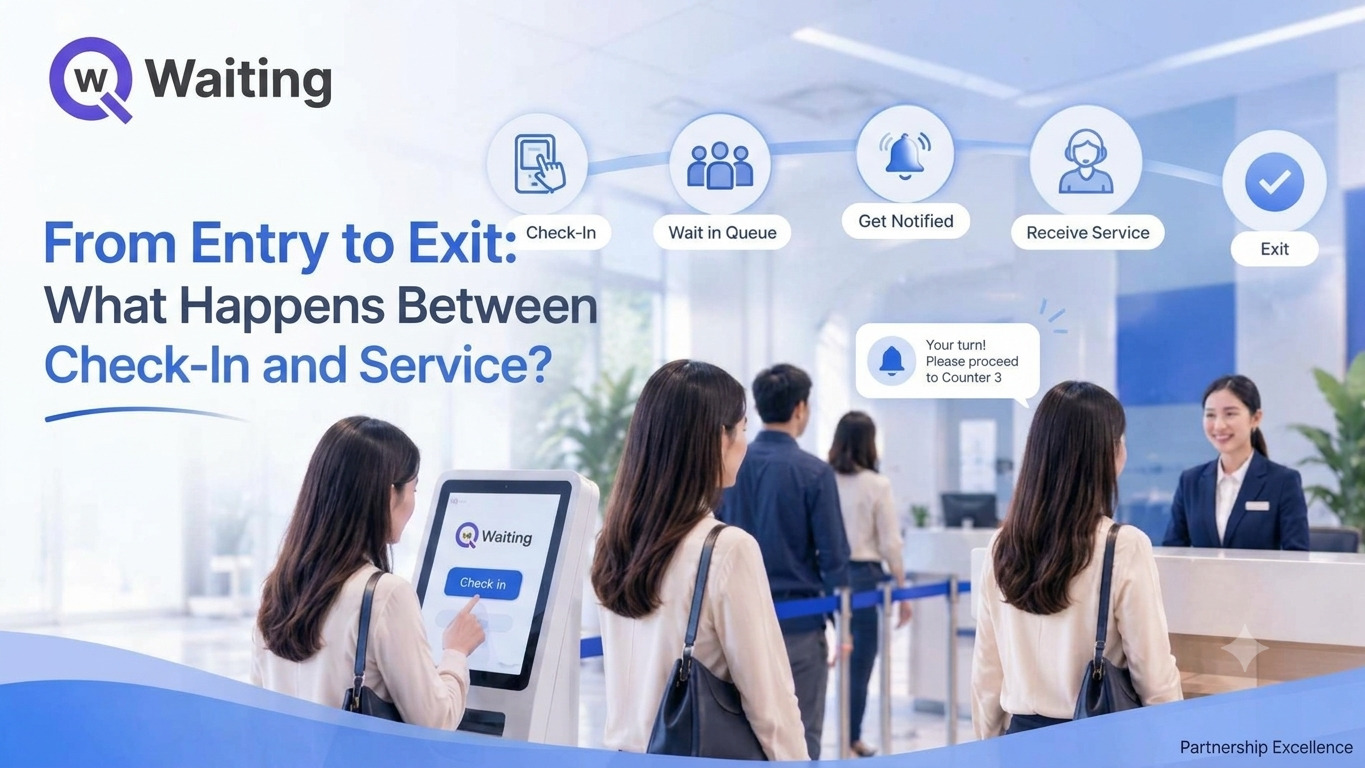
Help employees and customers get the support they need without waiting in long lines. Qwaiting keeps every walk-in request organized from check-in to resolution.

1 Check In
Check In

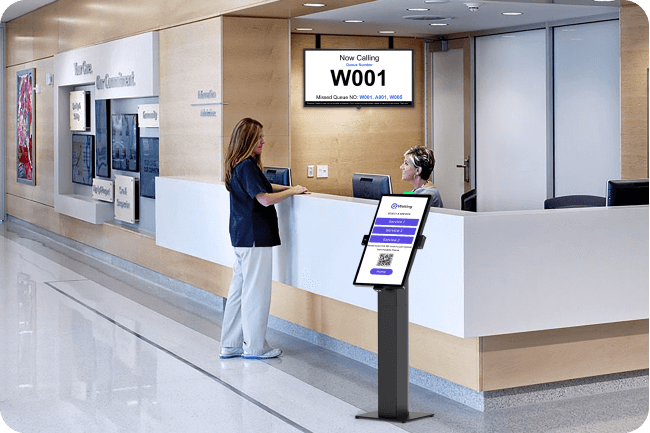
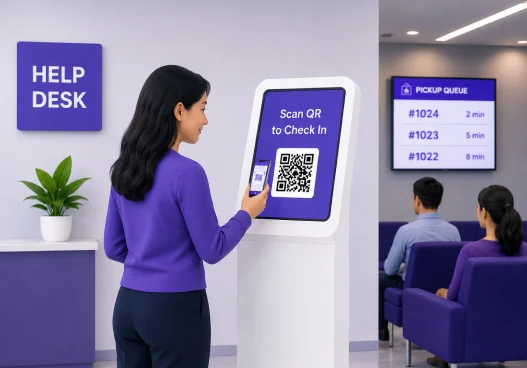
Visitors scan a QR code or use a self-service kiosk to join the queue. They enter a few details and instantly receive a queue number.

2 Wait Smarter
Wait Smarter

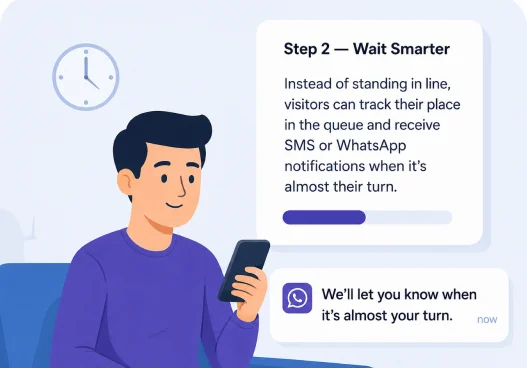
Instead of standing in line, visitors can track their place in the queue and receive SMS or WhatsApp notifications when it's almost their turn.

3 Get the Right Support
Get the Right Support

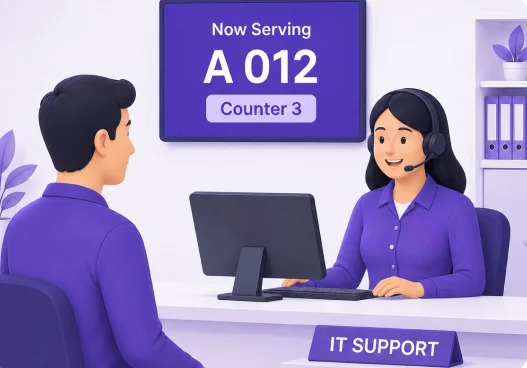
Qwaiting automatically directs each visitor to the right help desk specialist, reducing wait times and helping teams resolve issues faster.

Better Experience. Happier Visitors. More Productive Teams. Qwaiting helps your helpdesk run smoothly and keep everyone informed.

Tech Bar Queue Management

Run Your Tech Bar Like a Pro

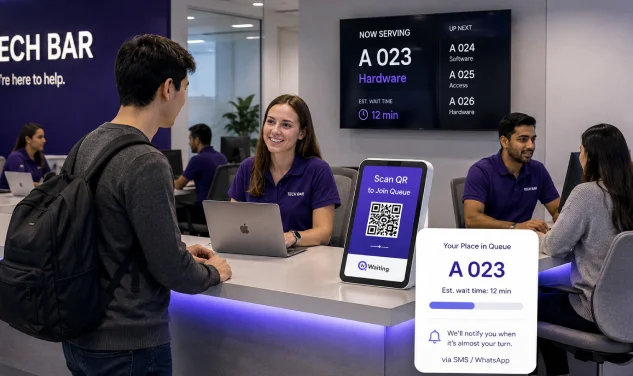
The walk-up IT desk — the Genius Bar-style tech bar — is the fastest-growing way enterprises deliver deskside support. Qwaiting gives your tech bar the missing piece: an organized queue.

Walk-up check-in

Walk-up check-in at the bar via kiosk or QR

No hovering, no "who's next?" confusion.

Skill-based routing

Skill-based routing

Hardware, software, and access issues go to the right technician.

Live wait estimates

Live wait estimates

So employees grab a coffee instead of standing in line.

Visit-to-ticket sync

Visit-to-ticket sync

Every walk-up logs automatically to your ITSM.

Run Your Tech Bar Like a Pro

Organized queue. Happier employees. Faster resolutions. Qwaiting turns your tech bar into a smooth, efficient, and modern support experience.

Cloud-Based Queue Management System

Shorter your customer wait time with Cloud-Based Queue Management Software Today! Our queue management software helps businesses enhance your productivity and reputation by satisfying your customers.

Book a Free Demo

Advanced Features of the Helpdesk Queue System

Automation and Workflow Management

Automation and Workflow Management

Issues route automatically to the right agent by predefined rules, skills, or workload, with automated replies for common queries and status updates.

24/7 Monitoring

24/7 Monitoring

Real-time tracking of queue statuses and system performance around the clock.

Mobile Convenience

Mobile Convenience

Mobile apps for agents and requesters to manage queues on the go.

Works With Your Ticketing Tools

Works With Your Ticketing Tools

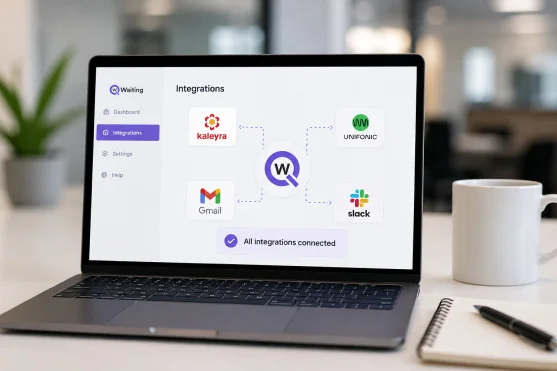
Qwaiting connects to your helpdesk software, CRM, ITSM, and communication tools. This keeps walk-up visits and tickets in sync.

Customer Reviews

Customer Reviews

Feedback collected after every interaction, gathered in one place for improvement.

Knowledge Base Integration

Knowledge Base Integration

Surface your existing knowledge base at check-in so simple questions resolve before they queue.

Benefits of the Queuing Solution for Helpdesk Support

Easy and User-Friendly Setup

Easy and User-Friendly Setup

Non-technical setup with smooth integration into your existing systems.

Scalability and Growth

Scalability and Growth

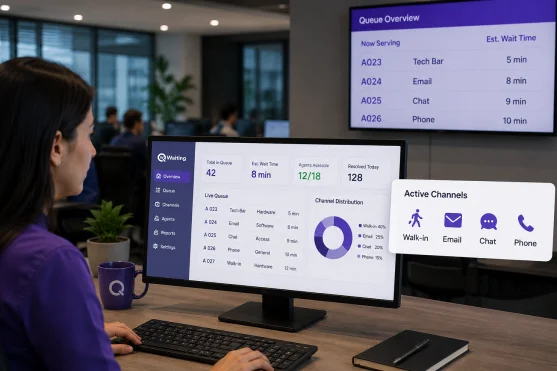
Adjust staffing based on demand. Support walk-in, email, chat, and phone channels from one queue view.

Customizable Features

Customizable Features

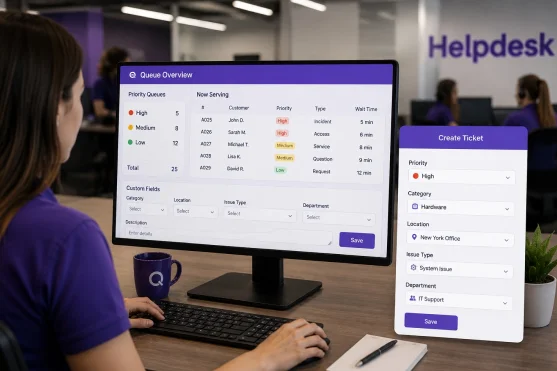
Priority queues by urgency; tailorable fields to match your helpdesk's unique needs.

Rich Reporting Capabilities

Rich Reporting Capabilities

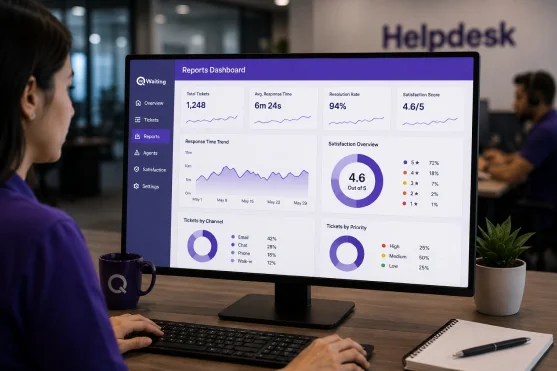
Detailed reports on response times and satisfaction, visualized on a single dashboard.

Advanced-Data Protection

Advanced-Data Protection

Our solution prioritizes data security through advanced encryption and security protocols with automated backup.

Reviews

Capterra Reviews
4.5/5
Software Reviews
4.5/5
Software Advice Review
4.2/5
Finance Customer Review
4.3/5
Salon Management Software
4.8/5

Where the Helpdesk Queue Management System Is Used

IT Departments

IT Departments

Walk-up IT support and tech bars for hardware, software, and network requests, at any organization size.

Telecommunications

Telecommunications

Telecom service centers managing network, billing, and technical-support queues in-store.

Government Offices

Government Offices

Electricity boards and municipal corporations managing citizen inquiries and permits.

Customer Support Centers

Customer Support Centers

Walk-in centers and customer care centers handling inquiries, complaints, and support requests.

Human Resources

Human Resources

HR helpdesk queues for benefits, payroll, and policy questions that cut employee waiting time.

Education

Education

Campus IT help desks and student service counters.

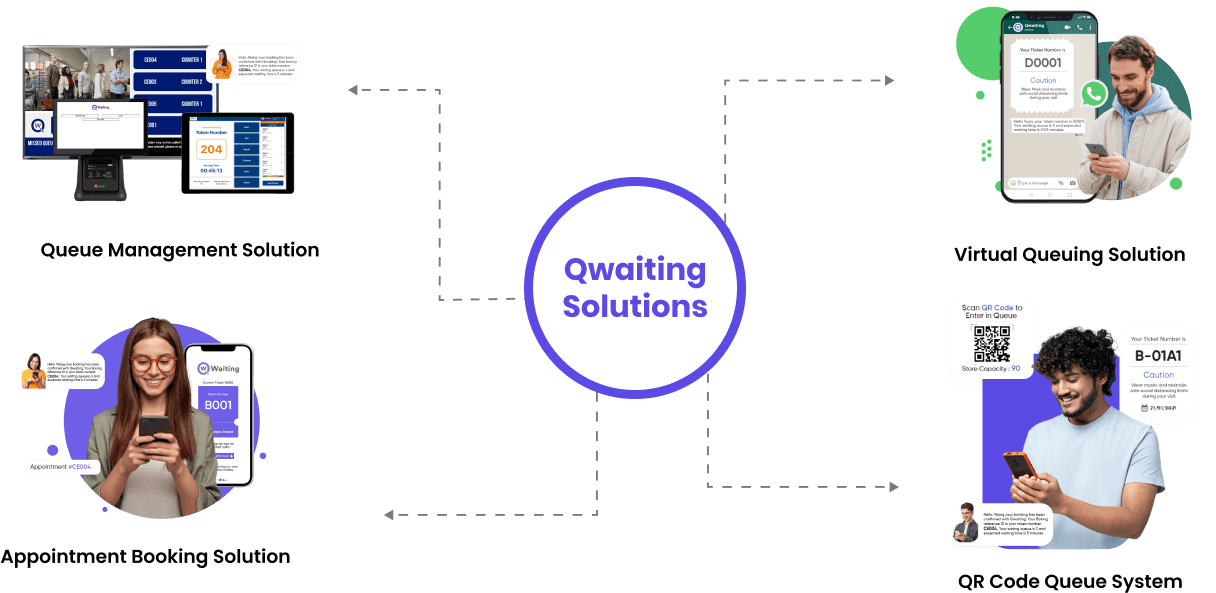
Empower Your Customers to Wait Wherever They Want With Qwaiting Solutions

Qwaiting Queue Management Solution

Frequently Asked Questions

A help desk queue system streamlines walk-up support lines: requesters check in, receive a token, and are directed to the appropriate specialist, while each visit syncs with your existing ticketing tools.
Requests are prioritized based on urgency, impact, and your SLA rules, ensuring that critical issues are directed to a specialist first through configurable priority queues.
Yes. Workflows, check-in fields, departments, and routing rules are all configurable to match how your support floor actually runs.
Yes. Qwaiting connects with your ticketing system, CRM, ITSM, and communication platforms via built-in integrations and API.
Resolution times, wait times, per-department volumes, staff performance, and satisfaction trends — on one dashboard.
Qwaiting uses encryption, role-based access controls, and automated backups, with compliance across PCI DSS, SOC, HIPAA, GDPR, and CCPA.

Experience the Future of the Helpdesk Queue with Qwaiting

Ready to transform your support experience? Give your ticketing system the front-of-house it's been missing.

WhatsApp