


Tele-Consultation with Virtual Queue Management
Give patients a simple way to book, check in from home, and meet doctors online without waiting rooms. Your team manages one unified queue for both online and onsite visits.
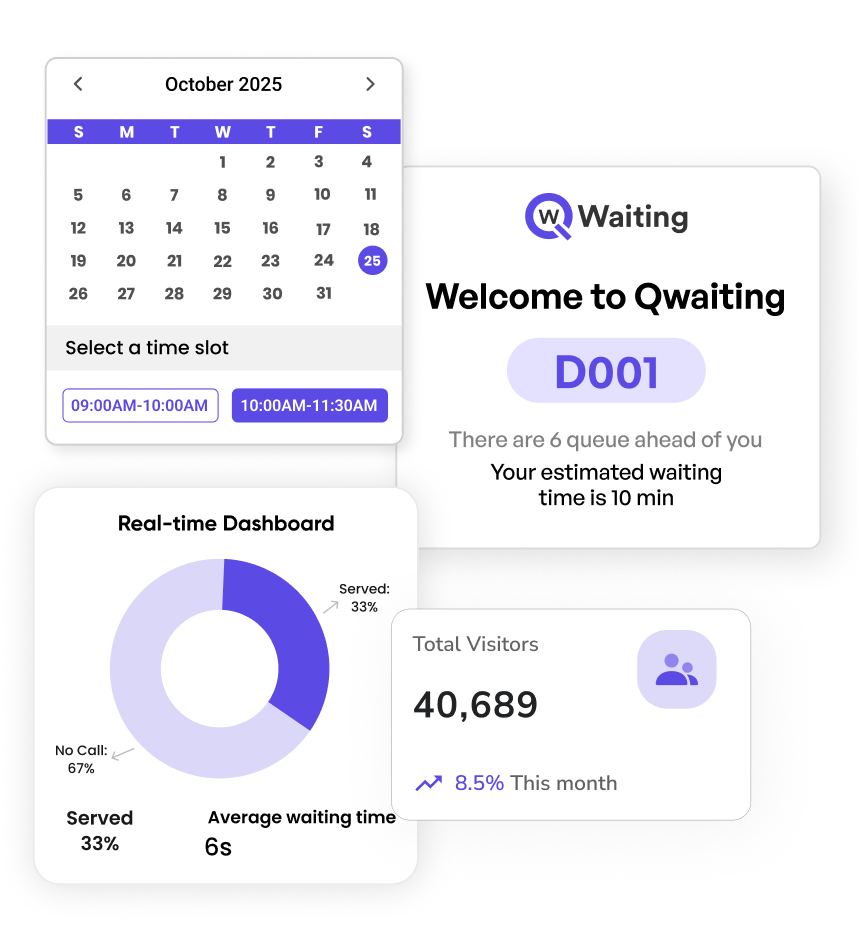
How it Works
Enable your patients to access your healthcare services anytime, anywhere.
Book an Appointment
Book an Appointment
Patients can book their appointment online and select their preferred date and time and doctor to consult for more convenience.

Payment
Payment
Patients can easily initiate their appointment fees and pay via credit card, Apple Pay, and other methods.

Get E-Ticket
Get E-Ticket
After payment processing, patients will receive an e-ticket, displaying their details like name and ticket number, and their appointment date/time.

Notifications
Notifications
Patients will then receive a message on their registered number with details to join the teleconsultation services.
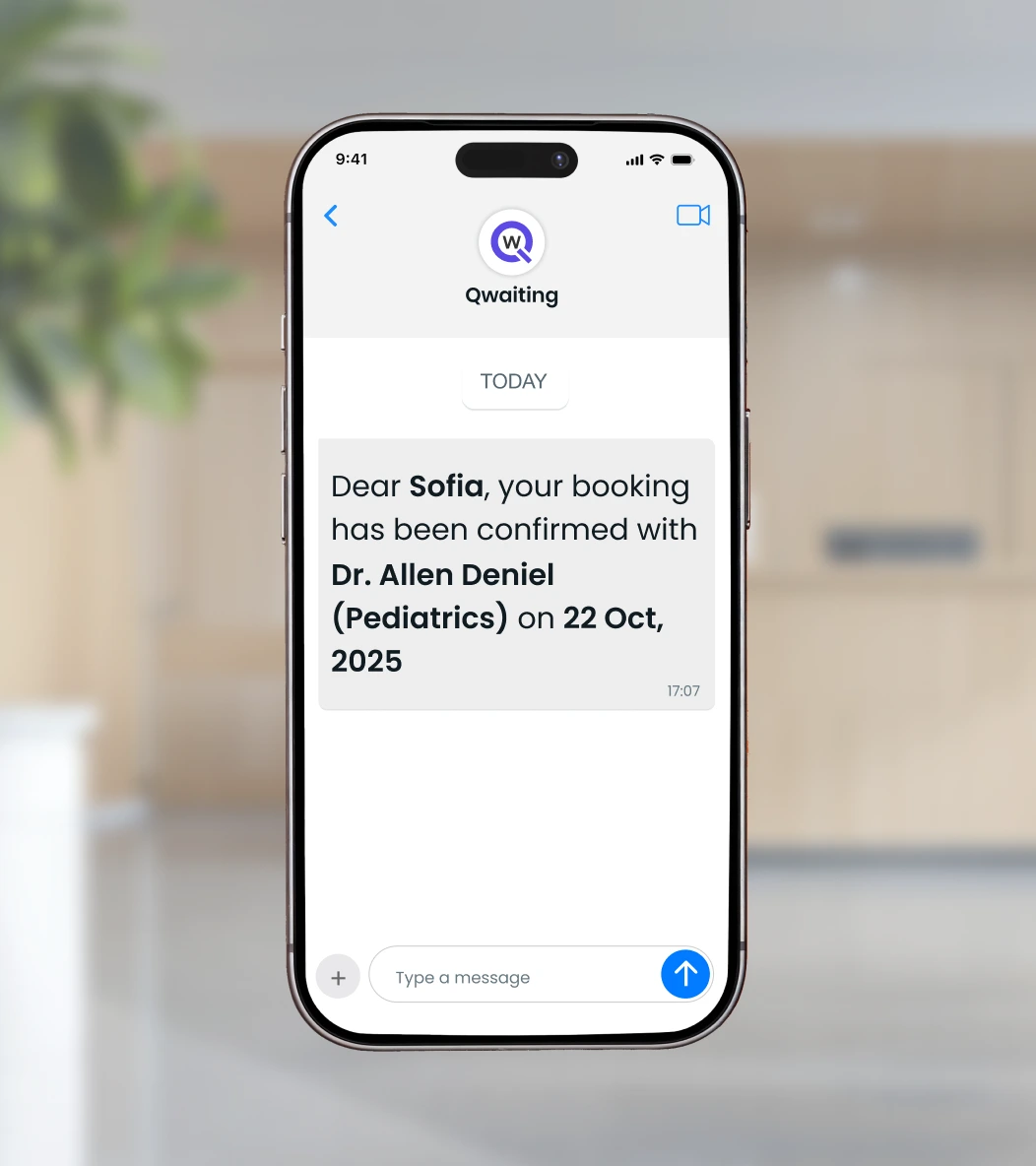
Check in and Join
Check in and Join
Patients can check in easily and join the video consultation, or wait conveniently till they receive alerts when it's their turn.
Virtual Waiting Room
Virtual Waiting Room
The link will redirect patients to a virtual waiting room where they can view their queue status, expected wait times, and available doctors.

Virtual Video Consultation
Virtual Video Consultation
Once their turn comes up, a video call will be started between the patient and the doctors.

Chat & File Sharing
Chat & File Sharing
After the appointment, patients can share their medical history or prescription list with their doctors, which can help you customize your services.

Key Features
Everything you need to run tele‑consultations at scale.
Unified Virtual and Onsite Queues
Guide patients to the right provider based on specialty, urgency, service level agreement, or language. Use a smart load-balancing method to ensure fair distribution.
SMS, Email, WhatsApp
Send automated reminders, OTP links, and "you're next" alerts to patients to keep them updated on their wait times. This way, you can effectively reduce appointment no‑shows
Built‑in Video Rooms
Join video conferences with a single click. No app download required. Waiting room view for patients. Recording and notes for clinicians.
Online Payments and Billing
Collect fees before or after the call. Auto‑issue receipts and reconcile with accounting.
Compliance‑first
Roles and permissions, audit logs, encryption in transit and at rest, SSO options.
Real‑time Analytics
Track wait times, drop‑offs, agent utilization, CSAT, and SLA breaches in one dashboard.
Why Providers Choose Qwaiting
- Cut idle time with automated triage and smart routing.
- Scale clinics without expanding waiting rooms.
- Serve multilingual populations with localized UX.
- Improve revenue capture with fewer no‑shows.
Why Patients Love It
- Book now, wait anywhere, join on time.
- Transparent ETAs and queue position.
- Links work on any device—no app needed.
- Digital prescriptions and secure chat history.
INTEGRATIONS
Next-Level Integration for Best Performance
Integrate Qwaiting with your preferred tools. Explore a list of popular integrations Qwaiting offers for a smooth and memorable experience.
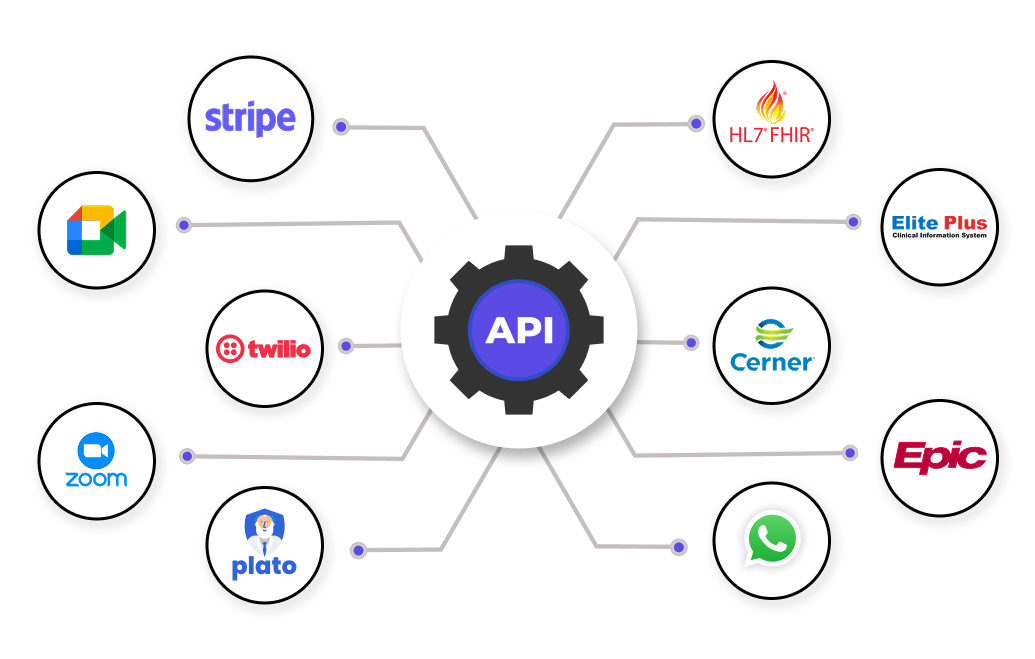 See All
What the Doctor Sees
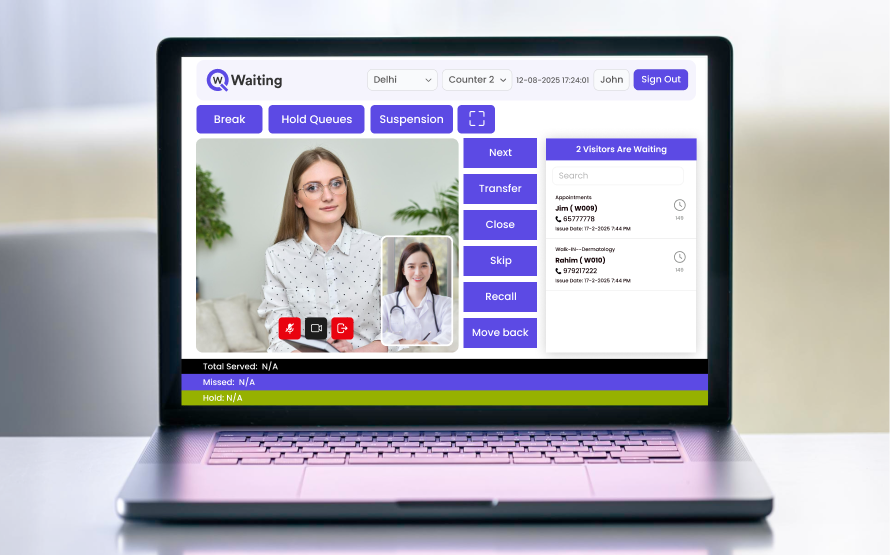
Doctors manage virtual consultations smoothly, view patient details instantly, and stay focused on care, not on switching between apps or managing calls manually.
What the Patient Sees
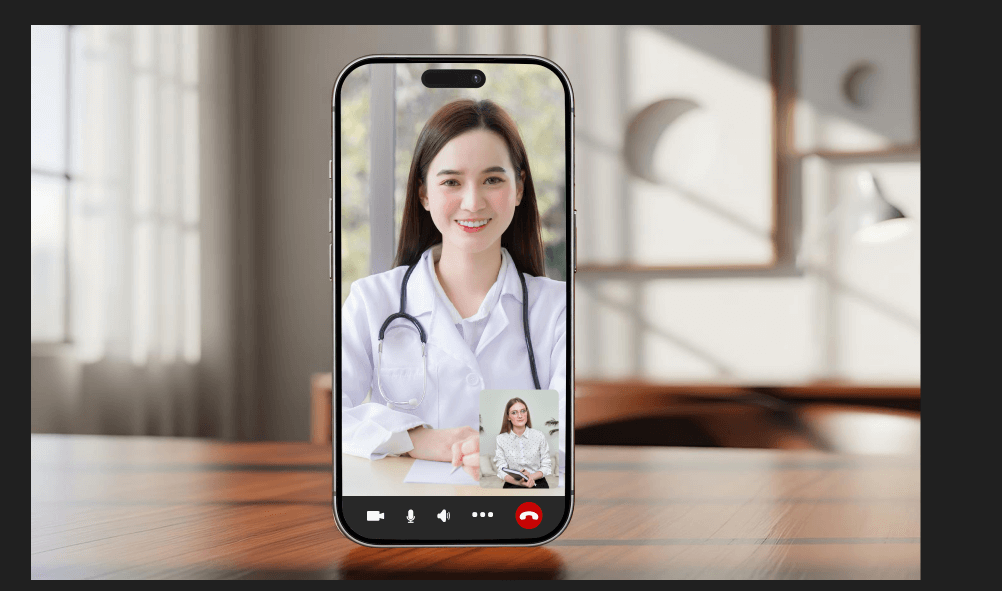
Patients join consultations with one click, know their place in the queue, and connect with their doctor without long waits, confusion, or extra app downloads.
What Customers Say
"Seamless teleconsultation and real-time updates transformed our outpatient experience. By choosing Qwaiting, we can turn long, confusing lines into a smart, stress-free flow."
Farrer Park Hospital, Singapore
"With Qwaiting, patient journeys became faster, smarter, and truly contactless. The hospital can track real-time updates and follow patient journeys and staff performance through a centralized dashboard."
Apollo Hospitals, India
"Qwaiting helped us digitize patient flow and reduce waiting times drastically. The result? Happier patients, more efficient staff, and stronger brand trust."
Ram Clinics, Saudi Arabia
Frequently Asked Questions
Experience Tele‑Consultation with Qwaiting
Trusted by 10000+ Customers Worldwide
Join the industry leaders who trust Qwaiting for their queue management