


Deliver fast, reliable service with a cloud system that updates in real-time and scales with your business.

Control your data and infrastructure with a secure, offline-ready solution tailored for complex environments.

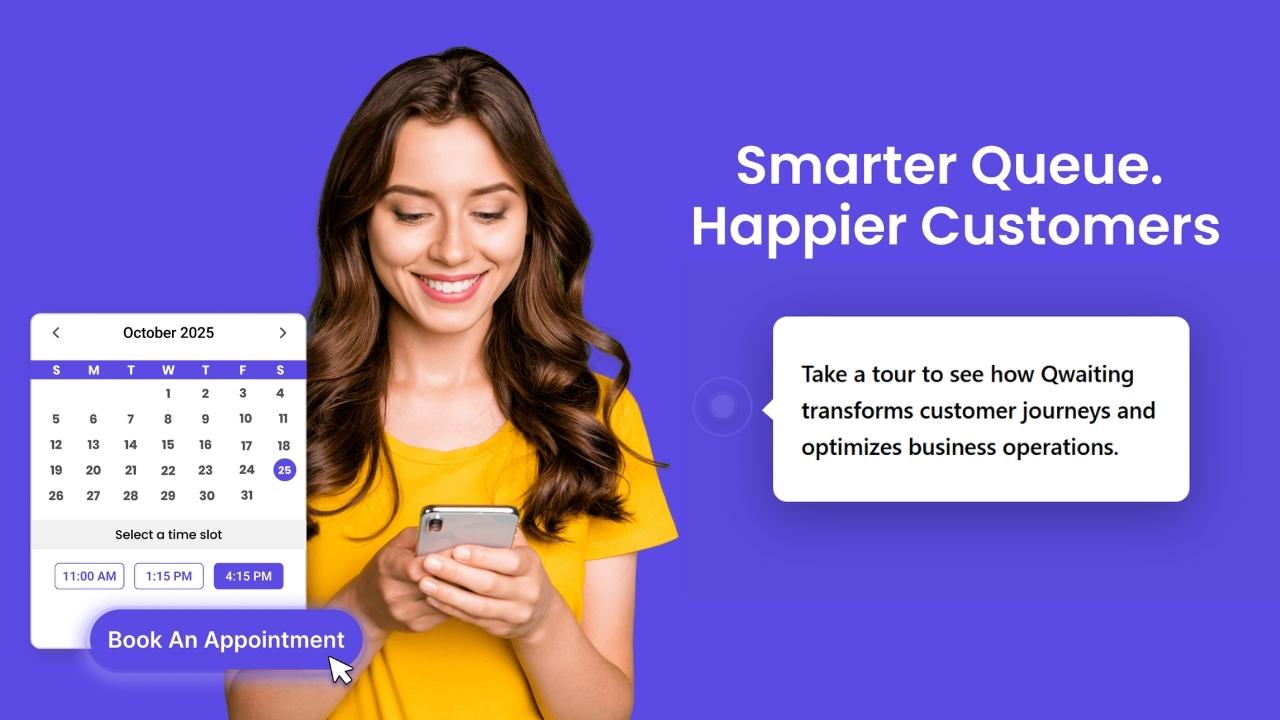
Empower customers to check in, book, or update their appointments without staff assistance.

Deliver fast, secure access for repeat visitors using AI-powered facial recognition.
 Banking
Streamline customer flow and reduce wait times in banks and financial institutions.
 Healthcare
Refine patient check-ins and improve healthcare service.
 Public
Sector
Public
Sector
Manage citizen services smoothly in government offices and public institutions.
 Retail
Improve shopping experiences by minimizing checkout lines and wait times.
 DMV
DMV
Organize customer service queues in automotive showrooms and service centers.
 Airport
Speed up passenger processing with efficient queue management at terminals.
All Industries → AI Appointment Booking System
Automate appointment scheduling with AI-powered booking, smart reminders, and seamless customer check-ins.
 Appointment
Booking
Appointment
Booking
Offer flexible scheduling that helps customers plan their visit and avoid peak-time congestion.
 Biometric
System
Biometric
System
Speed up identity verification and check-ins using facial or fingerprint recognition.
 Automation
Automate workflows and reduce manual tasks with smart queue solutions.
 Virtual
Queuing
Virtual
Queuing
Let customers wait from anywhere home, car, or cafe with mobile-based virtual queues.
 Visitor
Management
Visitor
Management
Track and manage visitor entry, exit, and ID verification from a single dashboard.
 Video
Queue
Video
Queue
Allow people to join video calls instantly with one link—no apps, Accessible on any browser.
 Tele-Consultation
Offer seamless virtual consultations with real-time communication tool.
All Solutions →
Watch quick product demos and tutorials to understand how Qwaiting works for your business.

Read expert insights, tips, and industry trends to enhance customer experience.

Download in-depth guides and resources to explore queue management best practices.

Explore Qwaiting in a quick interactive demo, no signup needed.
| Role | Responsibilities |
| Champions | Test early, provide feedback, lead by example, troubleshoot peer questions |
| Supervisors | Monitor daily usage, coach in real-time, and escalate technical issues |
| Managers | Track adoption metrics, communicate wins, reinforce training objectives |
Micro-learning checklist:
| Training Style | Best For | Approach |
| Fast-Track Training | Tech-savvy staff, early adopters | Condensed 2-hour session, focus on advanced features, minimal hand-holding |
| Guided Coaching | Staff with lower tech comfort | Longer sessions (4+ hours], step-by-step walkthroughs, hands-on repetition |

Treating training as a one-time task instead of an ongoing process, leaving staff unsure, unsupported, and forced to create workarounds under pressure, are the biggest mistakes organizations make during queue system rollout.
Frontline staff need enough training to confidently use the queue system during peak hours without supervision. This usually includes hands-on practice, real-life scenarios, and short follow-up sessions after go-live to reinforce correct usage and build confidence over time.
The best way to train non-technical staff on queue software is to focus on everyday tasks, utilize hands-on practice, repeat key actions, and explain how the system helps reduce stress during busy moments.
Daily usage rates, error frequency, service time consistency, and how often staff revert to manual processes are some of the most important metrics every leader must track.
Use short sessions, shift-based training, real queue simulations, and micro-learning instead of long classroom-style workshops.
Yes. Role-based training improves adoption by teaching only the workflows each team actually uses, not unnecessary system features.